Old model of work: Open one app → finish one task → switch apps → repeat
New AI-first model: Ask → analyze → create → refine → act (inside one connected flow)
Google is shifting from standalone tools to intelligent workflows where AI understands:
Your intent
- Your context
- Your past work
- Your next step
This is the real revolution—not automation, but assisted thinking.
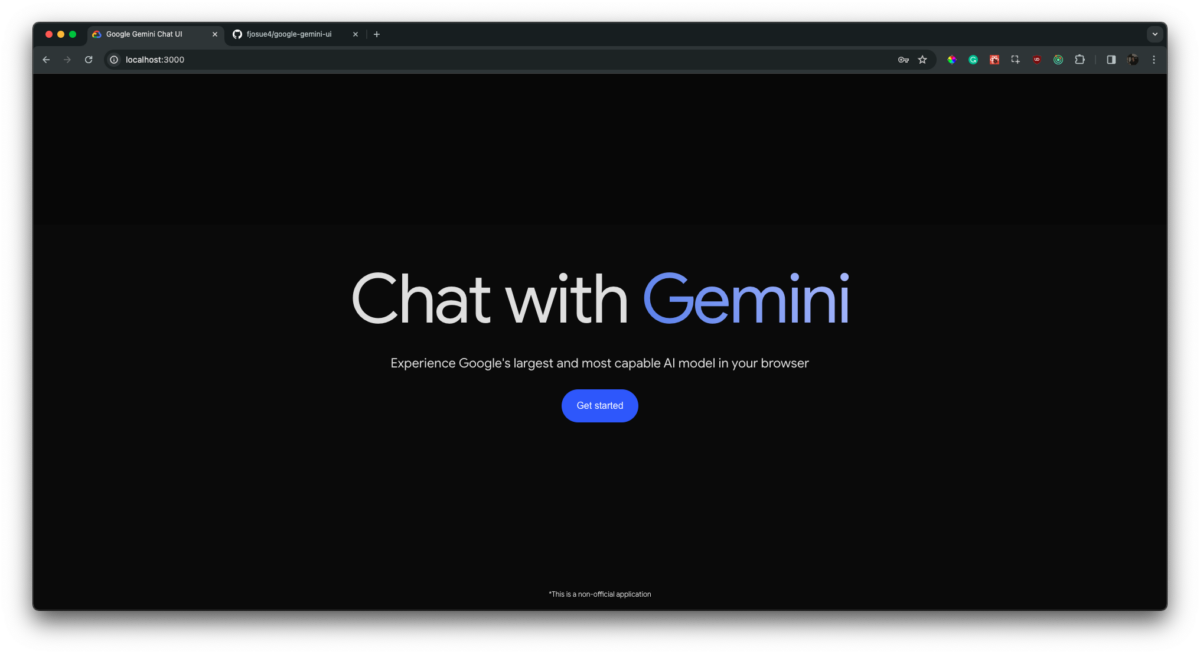
Gemini is Google’s core AI engine, integrated across Search, Docs, Gmail, Sheets, Slides, and more.
What Gemini actually does:
Explains complex topics in simple language
Generates drafts, summaries, emails, and reports
Analyzes data and suggests insights
Helps with coding, planning, and decision-making
Why this matters:
You don’t “use” Gemini separately—it shows up where you already work.
 Example workflow:
Research → summary → content draft → email → presentation
(All assisted by AI, without switching tools)

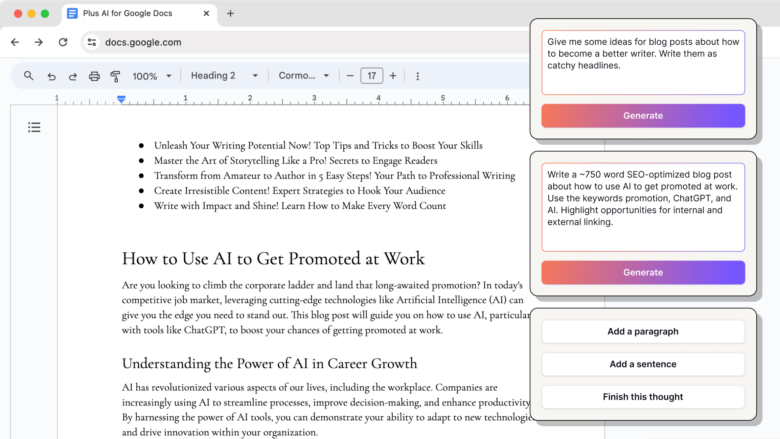
Docs
- Drafts content from a simple prompt
- Rewrites for tone, clarity, or audience
- Summarizes long documents instantly
Sheets
- Converts raw data into insights
- Auto-generates formulas
- Explains trends in plain language
Slides
- Builds presentation outlines
- Suggests layouts and visuals
- Turns documents into slides automatically
 Impact:
Knowledge work becomes faster, clearer, and less overwhelming—especially for non-technical users.
Google’s AI workflow shift means: Less time on repetitive tasks Faster learning curves Lower entry barrier for beginners More focus on creativity and strategy
For women entrepreneurs & creators especially:
- No need to “know everything” upfront
- AI becomes a confidence booster
- Ideas move from mind → execution faster
From Space to Safe Streets: How India’s Space Technology and AI Can Build Safer Cities for Women
What if the technology India sends into space could also...
Read More
AI Tools vs AI Agents: What’s the Difference? A Simple Guide for Beginners
Artificial Intelligence is transforming how we work, learn, and grow....
Read More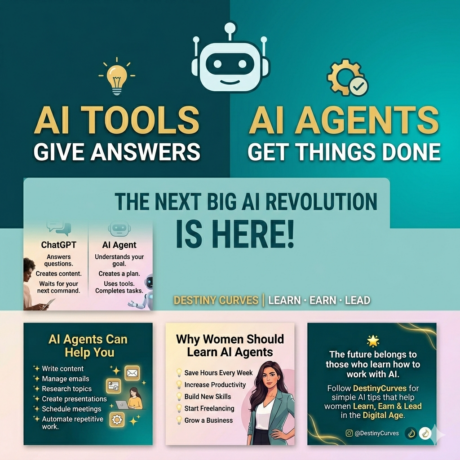
What is an AI Agent?The Future of Smart Work for Women
Artificial Intelligence is changing how we learn, work, and build...
Read More